missing translation for 'onlineSavingsMsg'
Learn More
Learn More
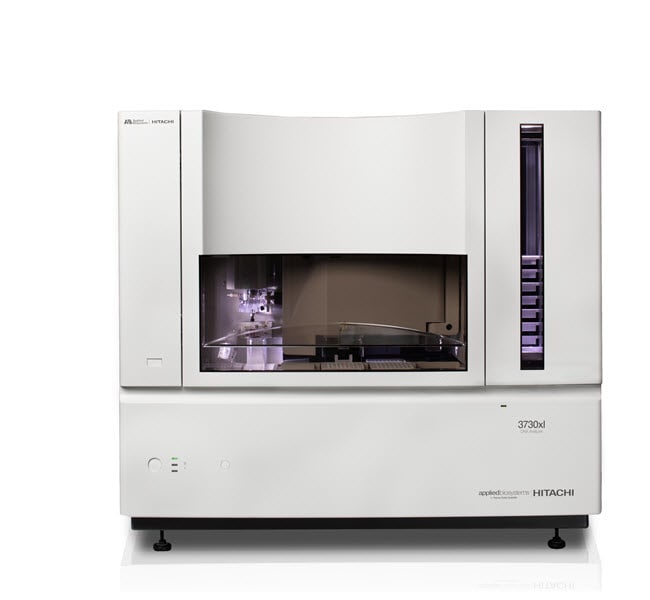
3730xl DNA Analyzer (latest version)

Specifications
Specifications
| Content And Storage | Store at room temperature. |
| Capacity | 16 Sample Plates (96 or 384-well) |
| Capillary Length | 36 or 50 cm |
| For Use With (Equipment) | Real-Time PCR Systems or Thermal Cyclers, Sequencing Data Analysis |
| Number of Capillaries | 96 Capillaries |
| Product Line | Applied Biosystems |
| Read Length | 400 to 900 Bases |
| Throughput | 96 |
| Type | DNA Analyzer |
| Duration | 1 Year Limited Warranty on Parts and Labor |
| Show More |
Frequently Asked Questions (FAQs)
How can I remove old dye sets from the 3730xl DNA Analyzer (Cat. No. A41046) software?
You can remove old dye sets by deleting the spectral plate records associated with the spectral run. In the spectral viewer, under the list of calibrations for the dye sets, please note the dates when the spectral plates were run. In the plate manager, do an Advanced Search. In the first column, titled "Condition", under the row "Type", select "=", and in the second column, titled "Value 1", select "Spectral Calibration", then click on the search button. Highlight and delete the processed plates associated with the spectral dates.