Learn More
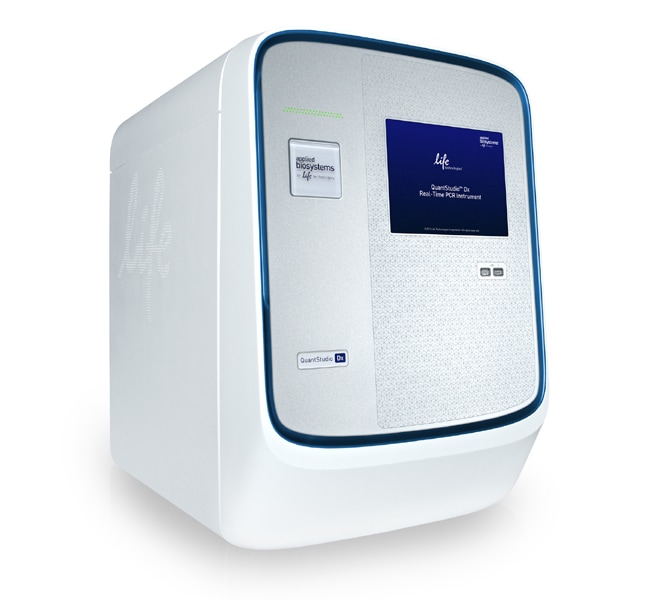
QuantStudio™ Dx Real-Time PCR Instrument with 96-well standard block

Specifications
Specifications
| Block Format | Interchangeable |
| Format | 96-well Plate |
| Sensitivity | Down to 1 Copy |
| Reaction Volume Range | 10-100 μL |
| Dynamic Range | Up to 9 Logs of Linear Dynamic Range |
| Content And Storage | 96-well Standard Block |
| Calibrated Dye | FAM™, VIC™, ROX™, TAMRA, CY™5 |
| For Use With (Equipment) | QuantStudio™ Dx |
| Thermal Uniformity | ±0.5°C |
| Reaction Speed | Standard |
| Show More |
Frequently Asked Questions (FAQs)
Continuous melt curve: increases the temperature by the ramp increment (degrees C/sec) so that the temperature will change at a constant rate set in the protocol.
Step and Hold melt curve: increases the temperature by the ramp increment (degrees C) and then holds at that temperature for the time specified by the user.
The amount of data collected will depend on the filter(s) selected. The more filters you use, the longer the acquisition will take and the fewer data points will be collected.
The issue might be due to the block not being properly seated in the instrument. Please follow the steps below:
- Remove the block from the instrument.
- Reinsert the block into the instrument.
If the problem persists after reseating the block, please contact our Technical Support team for further assistance.
Tutorials demonstrating introductions to Real-Time PCR, guidelines for designing real-time assays using Primer Express software, and various instrument set-ups can be found under Life Technologies University on our website. User bulletins, manuals and Product inserts, protocols can be found as downloadable pdf files on our Technical Resources page.