Learn More
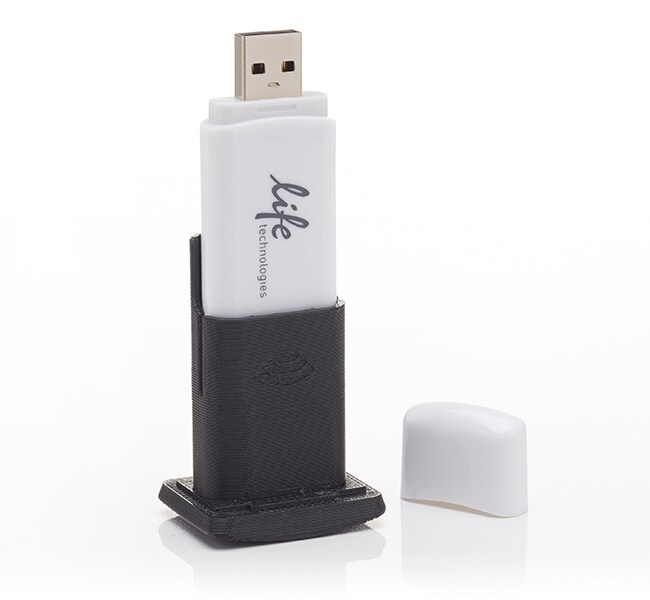
QuantStudio™ 3D Extended Arm WiFi Adapter

Specifications
Specifications
| For Use With (Equipment) | QuantStudio™ |
| Product Line | QuantStudio |
| Shipping Condition | Room Temperature |
| Quantity | 1 adapter |
Frequently Asked Questions (FAQs)
Please follow the procedures described in "Chapter A: Maintenance" of the QuantStudio 3D Digital PCR System User Guide to replace the fuses. Make sure to only replace with those listed and certified fuses of the same type and rating as those currently in the QuantStudio 3D instrument.
The answer is that sample prep for digital PCR is no different from real-time PCR when using the QuantStudio 3D Digital PCR System. If you have samples in your freezer that you've run on real-time PCR, then you're ready to run them with digital PCR.
Please see the section on Sample Dilution in Chapter 3 of the QuantStudio 3D Digital PCR System User Guide (http://tools.thermofisher.com/content/sfs/manuals/MAN0007720.pdf) for more details on how to determine the target copy number per genome.
You can configure the QuantStudio 3D instrument to upload the imaging data to a USB drive, a network file server, or the cloud data storage service. See Appendix B, “Networking”, in the QuantStudio 3D Digital PCR System User Guide for more information on setting up network destinations. Also, the QuantStudio 3D instrument retains a copy of the analyzed data from the imaged QuantStudio 3D Digital PCR 20K Chip that you can access from the Run History screen. Note: The results will remain in the QuantStudio 3D instrument cache for approximately 300 readings. After 300 chips, the instrument removes the oldest data file in the cache to store each new reading.
For Research Use Only. Not for use in diagnostic procedures.